How to Organize Your Home Library and Keep a Reading Tracker
Start with one shelf: organize your books, bring your Goodreads CSV along carefully, and track a reading year that fits your life.
You know the book. You remember the cover. You may even remember the shelf. Whether you already own it? That part is less certain.
A personal library inventory gives those scattered details a home. Start with a few useful fields, add books in small batches, and let your reading list become something you can actually use.
Start with the books you reach for
You do not need to catalog every shelf in one sitting. Begin with your current reads, books you want to read next, and the books you most often wonder whether you own. Title, author, reading status, format and location are enough to make the first batch useful.
Keep ownership separate from reading status. A book can be on your wish list, borrowed from a friend, or sitting unread on your own shelf. Recording those distinctions makes a library inventory more helpful than a simple list of finished books.
Give each book a permanent ID
Titles repeat, and different editions can have similar names. A stable Book ID keeps the record connected to its reading history, even when you sort the spreadsheet. Choose a simple convention such as LIB-0001 and keep it with the book. Avoid using a row-number formula as an ID.
ISBNs are useful when available, but missing one should not stop you from organizing a book. Keep editions or separate copies distinct when that matters to your collection.
Bring your Goodreads library along carefully
If you already use Goodreads, a CSV export can save a lot of typing. Keep the original export, check its headers, and review the imported records before adding them to your inventory. Missing identifiers, duplicate records and possible editions deserve a second look.
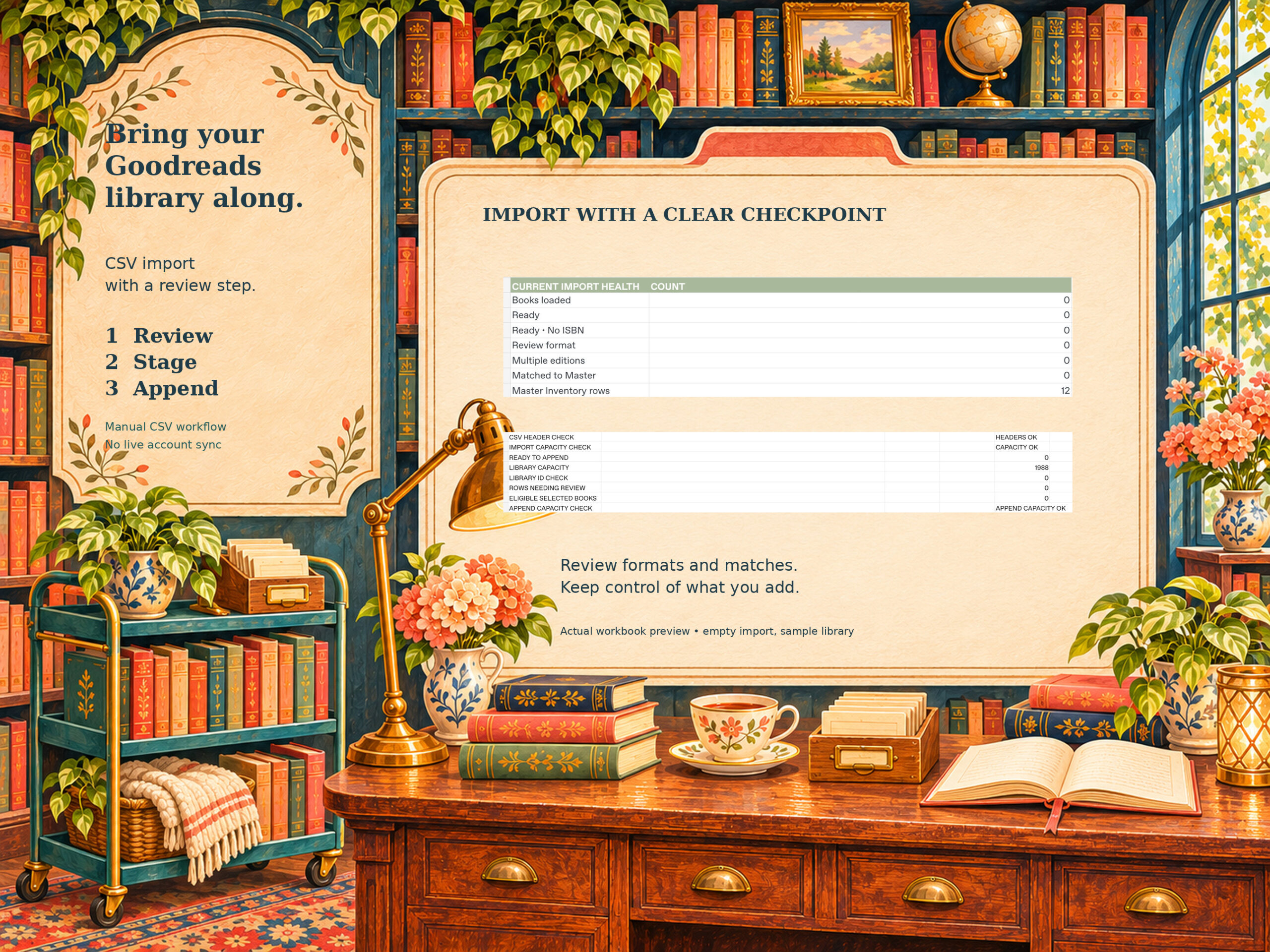
The CLS workbook uses a manual review, staging and append workflow. Freeze approved queue values in Staging, then follow the guide to append columns A:J and L:BE while preserving calculated column K. Existing matches are held rather than automatically updating your notes or ratings. This is a CSV workflow, not a live Goodreads connection or an automatic ISBN lookup.
Track reading without turning it into homework
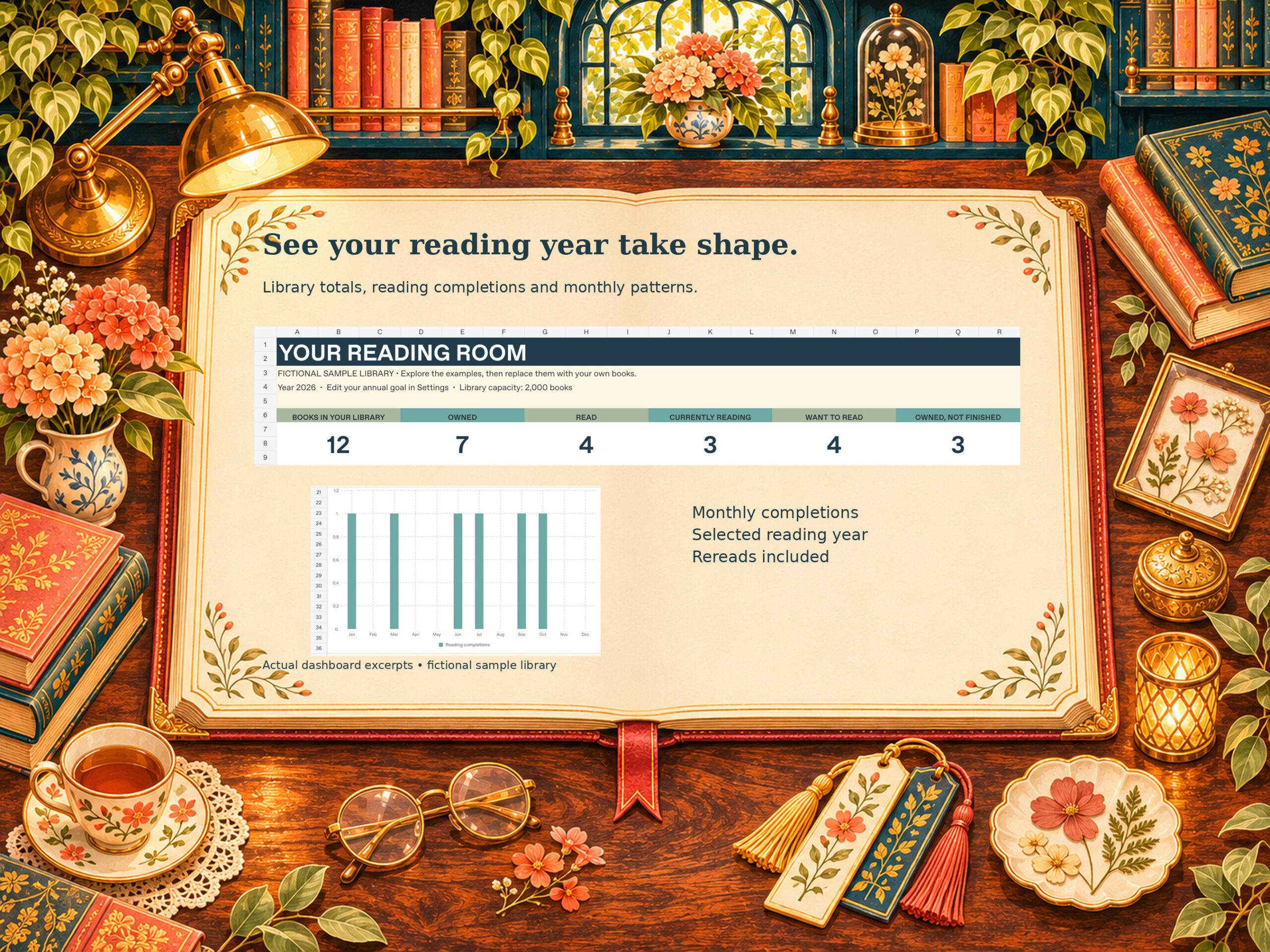
Use start and finish dates to follow your year. Add page counts and your current page when you want a progress percentage. Set a goal that suits your life, and change it when your plans change.
Rereads belong in the story, too. Before replacing a finish date, save the earlier completion in the Reading Log. The CLS tracker counts completions on different dates while counting an identical Book ID and date only once. Keep the book row so its linked history stays connected.
Meet your Reading Room
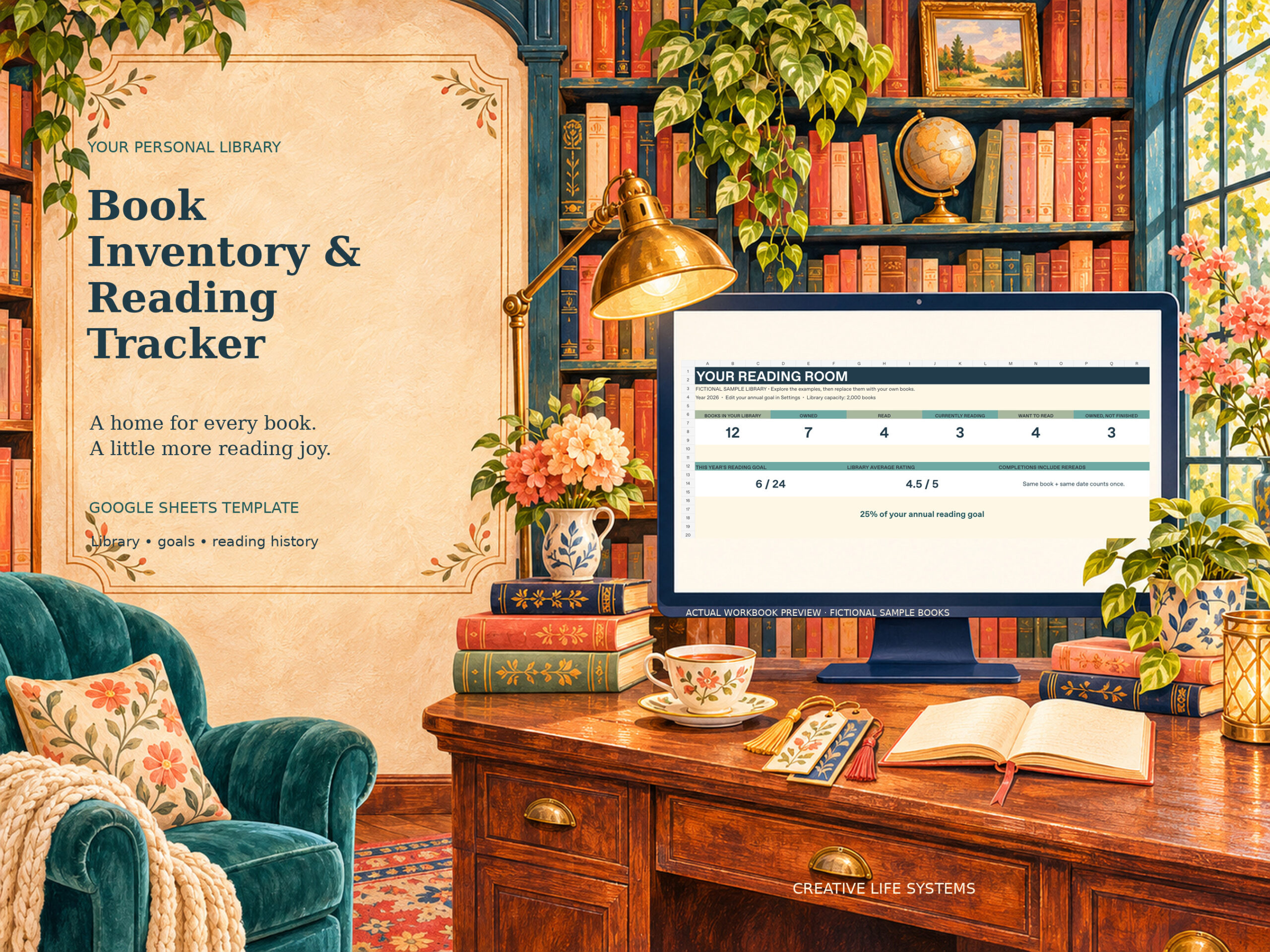
The CLS Book Inventory & Reading Tracker brings your library, current reads, wish list, ratings and annual goals into one Google Sheets workbook. It has room for 2,000 book records and 2,000 additional Reading Log entries.
The $9.99 digital download includes the template access PDF, an eight-page Quick Start and import guide, a fictional practice CSV, and a read-me file. A Google account and Google Sheets are required; use a desktop browser for setup and imports. This edition does not support Excel or Apple Numbers.
Start with one shelf. Add the next when you feel like it. Your reading room can grow at the same pace as your collection.
Decorative library illustrations were created with AI assistance. Workbook previews show the actual customer template with fictional sample data. Digital product; no physical item is included.